
 Schedule
  (803) 327-2700
 Ecobee vs Nest: Which Smart Thermostat Is Best for Your Home?
Upgrading to a smart thermostat is one of the simplest ways to make your home more comfortable and efficient. Two brands, Ecobee and Google Nest, dominate the conversation, and the Ecobee vs Nest debate comes up for almost every homeowner shopping for an upgrade. Both deliver remote control, scheduling, and energy-saving features, but they take very different approaches to getting there. Understanding those differences helps you pick the right fit and start getting more control over your home’s comfort without second-guessing your choice.
Here’s a quick rundown of what’s ahead:
- Why your thermostat choice affects comfort and costs
- Four key differences between Ecobee and Nest
- Which brand fits different households best
- What to know about installation and compatibility
How the Right Smart Thermostat Pays Off at Home
Your thermostat controls your heating and cooling system every hour of every day, so even small improvements in how it runs can make a big difference in energy efficiency over time. Picking between Ecobee and Nest isn’t just about looks or brand loyalty. Comparing how each brand handles scheduling and sensors shows that they solve the same problem in noticeably different ways, which is why the right choice depends on how your household actually lives.
- Lower energy bills: Smart scheduling and away modes help you save energy instead of heating or cooling an empty house.
- More even comfort: Room sensors and smarter controls help reduce hot and cold spots throughout your home.
- Everyday convenience: App and voice control let you adjust the temperature from the couch, the office, or the airport.
- Helpful system insights: Both brands track energy usage and send reminders that help you stay on top of filter changes and maintenance.
For homeowners in Rock Hill and surrounding areas, where summers run hot and humid and winters bring chilly mornings, a smart thermostat can do a lot of heavy lifting for home efficiency. The key is choosing the right thermostat for your habits, your home, and your HVAC system.
4 Key Differences Between Ecobee and Nest
At first glance, Ecobee and Nest thermostats look like they offer the same features. Dig a little deeper, though, and four major differences stand out.
1. Design and Controls
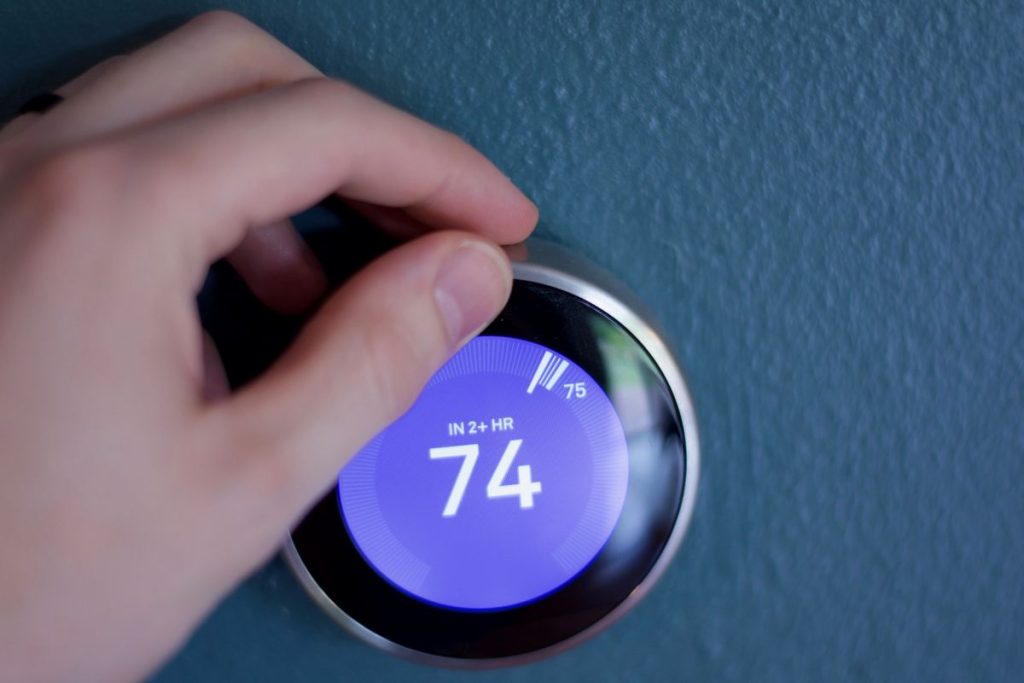
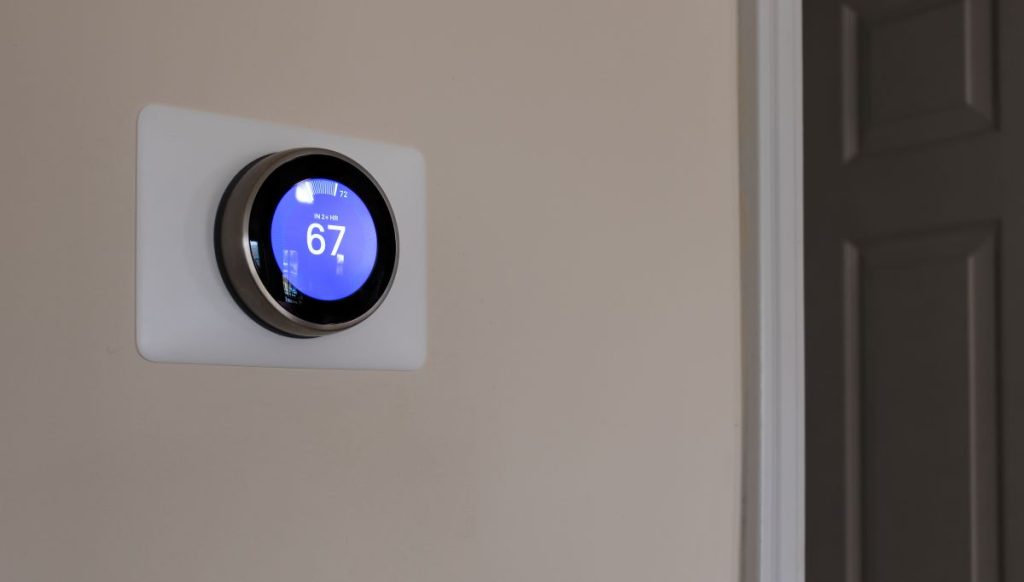
Nest thermostats are known for their sleek, round design, often compared to the classic Honeywell Round. The Nest Learning Thermostat uses a stainless steel outer ring to adjust the temperature, while the standard Google Nest thermostat uses a touch-sensitive strip along the side. Nest offers multiple color options, creating a minimalist look that blends into most decor.
Ecobee takes a more practical approach with a larger color touchscreen that some compare to an oversized smartwatch.
- Nest favors a clean, modern aesthetic with limited on-screen detail
- Ecobee offers a touchscreen with easy access to schedules and settings
- Both brands provide full control through a smartphone app
2. Learning vs. Sensor-Based Scheduling
This is the biggest philosophical difference between the two brands. The Nest Learning Thermostat studies your temperature adjustments over the first week or so and builds a schedule automatically. If you’d rather not make manual adjustments, Nest’s learning feature is a major draw.
Ecobee relies more on temperature settings and schedules you choose, combined with ecobee sensors that detect both temperature and occupancy. Instead of guessing your routine, it responds to where people actually are in the house.
- Nest learns patterns and adjusts the set temperature on its own
- Ecobee uses occupancy sensing to prioritize the rooms in use
- Both offer geofencing, which uses your phone’s location to tell when you’re away
3. Room Sensors and Whole-Home Comfort
Many homes have a room that always runs warmer or cooler than the rest. Both brands offer remote sensors to help. Ecobee’s SmartSensors detect motion as well as temperature, so the thermostat can average readings across multiple rooms and focus on the ones in use, and a bedroom sensor can keep you comfortable overnight. Many ecobee models include one sensor, with extra sensors purchased separately. Each Nest remote temperature sensor measures temperature only, but it still lets you prioritize one room at certain times of day.
4. Smart Home Compatibility
If you already use a smart home platform, smart home integration may be the deciding factor. Google bought Nest in 2014, so Nest works naturally within the Google Home app and alongside other Nest devices, and the latest Nest thermostat supports the Matter standard. Ecobee works with Amazon Alexa, Apple HomeKit, Google Assistant, SmartThings, and IFTTT, and the Ecobee Premium adds built in voice control through a built-in speaker.
- Google Home households often lean toward Nest
- Apple and Alexa users often find Ecobee easier to integrate
- Check your current devices before you buy
When comparing Ecobee and Nest, neither brand is better across the board. Each feature set shines in different areas, so the best choice comes down to which strengths line up with your priorities.

Which Smart Thermostat Fits Your Household?
Now that you know how the two brands differ, it helps to look at the kinds of homes and lifestyles each one serves best. Use these quick profiles as a starting point for your decision.
- Choose Ecobee if you want room-by-room comfort: Occupancy sensors make Ecobee a strong fit for balancing comfort across the whole house, especially in multi-level homes with noticeable hot and cold spots.
- Choose Nest if you prefer a hands-off experience: The Learning Thermostat is ideal for homeowners who want a device that figures out their routine without much setup.
- Choose Ecobee if you use Apple or Alexa: Broad platform support and built-in voice options make it easy to connect with the devices you already own.
- Choose Ecobee if you love data: Ecobee’s reports through Home IQ store up to 18 months of HVAC data and show the weather impact on your energy use, and the Ecobee Premium adds an air quality monitor.
- Choose Nest if your home runs on Google: For Nest users, tight integration with Google Home, Nest cameras, and Nest speakers creates a seamless experience.
- Choose either for energy savings: Both brands offer Energy Star certified models, eco modes, and away settings that help reduce usage.
Some households will find the decision easy, while others land somewhere in between. If you’re unsure, let the feature you’d use most each day guide your choice.
Ecobee vs Nest at a Glance
Seeing the main features side by side can make the comparison much clearer. The table below summarizes how the two brands stack up, though features vary by model.
| Feature | Ecobee | Nest |
| Display | Color touchscreen | Rotating ring or touch strip |
| Scheduling style | User-set schedules with sensor adjustments | Learns your routine automatically (Learning model) |
| Remote sensors | Detect temperature and occupancy | Detect temperature only |
| Voice assistants | Alexa, Siri, and Google Assistant support | Google Assistant with broad platform support |
| Best ecosystem fit | Apple Home and Amazon Alexa | Google Home |
| Design | Practical and information-rich | Minimalist and modern |
| Energy history | Up to 18 months of HVAC data | About 10 days in the app |
| Extras | Air quality monitor on Ecobee Premium | HVAC system monitor alerts on newer models |
| Warranty period | Typically longer | Typically shorter |
Both lineups include budget-friendly and premium models, so you can find an option at most price points. Whichever you lean toward, it’s worth confirming the specific model’s features before buying.
Installation and HVAC Compatibility
Even the best smart thermostat won’t perform well if it isn’t compatible with your system or installed correctly. Before you buy, keep these points in mind:
- C-wire requirements: Many smart thermostats need a common wire (C-wire) for steady power. Many ecobee models include a Power Extender Kit for homes without one, while Nest sells a Nest Power Connector separately, and some Nest models can work without a C-wire.
- System type: Both brands work with most gas, electric, and heat pump systems, but complex HVAC systems, including multi-stage equipment and dual fuel systems, may need special configuration.
- Install time: Both brands offer app-guided setup, and most installations take about 40 minutes to an hour.
- Accessories: Humidifiers, dehumidifiers, and ventilation equipment may require additional wiring or compatible models.
- Professional setup: An HVAC technician can confirm compatibility, handle the wiring, and make sure your thermostat is configured correctly for your equipment.
A thermostat that’s set up properly can protect your system and unlock all of its energy-saving features. Homeowners in Rock Hill and surrounding areas often choose professional installation for peace of mind, especially with heat pumps or older wiring.
Frequently Asked Questions About Ecobee vs Nest Thermostats
Smart thermostats come with plenty of questions, especially when you’re choosing between two popular brands. Here are quick answers to some of the most common ones.
Which saves more energy, Ecobee or Nest?
Both brands can help reduce heating and cooling costs, and Ecobee claims savings of up to 26%. Actual savings depend more on your habits, schedule, and home than on the brand itself.
Do I need a C-wire for a smart thermostat?
A C-wire provides consistent power and is recommended for most smart thermostats. If your home doesn’t have one, an adapter or professional wiring can usually solve the problem.
Can I use Ecobee or Nest with a heat pump?
Yes. Both brands support most heat pump systems, including auxiliary heat. Proper configuration during installation is important to avoid unnecessary backup heat use.
Are room sensors worth it?
If your home has rooms that feel noticeably warmer or cooler than others, room sensors can make a real difference. Smaller homes with even temperatures may not need them.
Can I install a smart thermostat myself?
Many homeowners can handle a basic installation, but wiring issues, older systems, or heat pumps can complicate the job. Professional installation helps avoid compatibility problems.
Choosing between Ecobee and Nest is easier when you know what each brand does best. If you still have questions, an HVAC professional can help you match the right model to your system and lifestyle.
Find the Right Smart Thermostat for Your Home
Ecobee and Nest are both excellent choices, and the best one for you depends on your home, your habits, and the devices you already use. The right smart thermostat can lower energy bills, improve comfort, and give you better control over your heating and cooling system. The team at Panther HVAC helps homeowners in Rock Hill and surrounding areas choose, install, and set up smart thermostats with the smart home features they want, working seamlessly with their equipment. If you’re ready to upgrade or want help deciding between Ecobee and Nest, contact us today to schedule a consultation.
